Showing all 16 resultsSorted by latest
Good to knowAbout ALBEA files
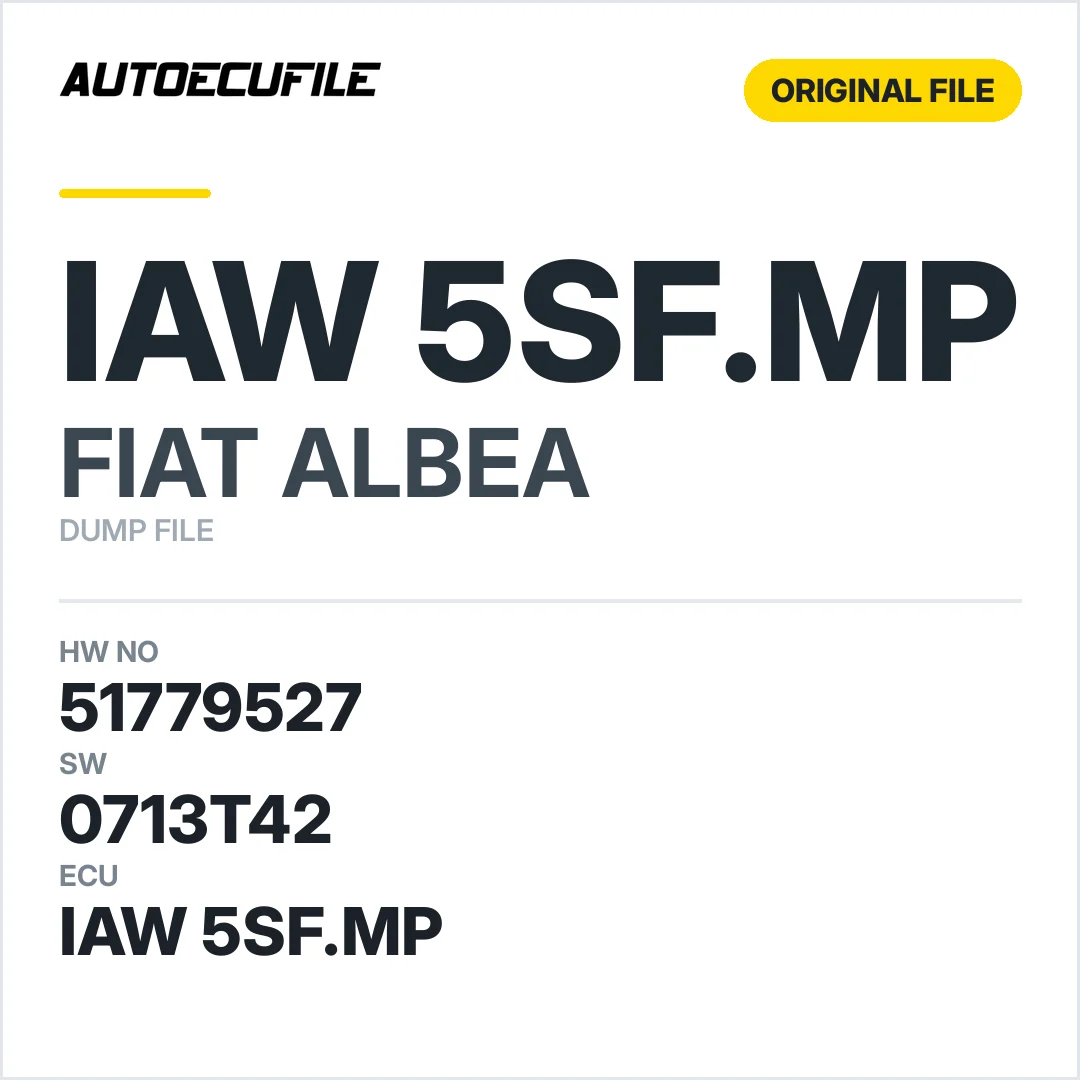
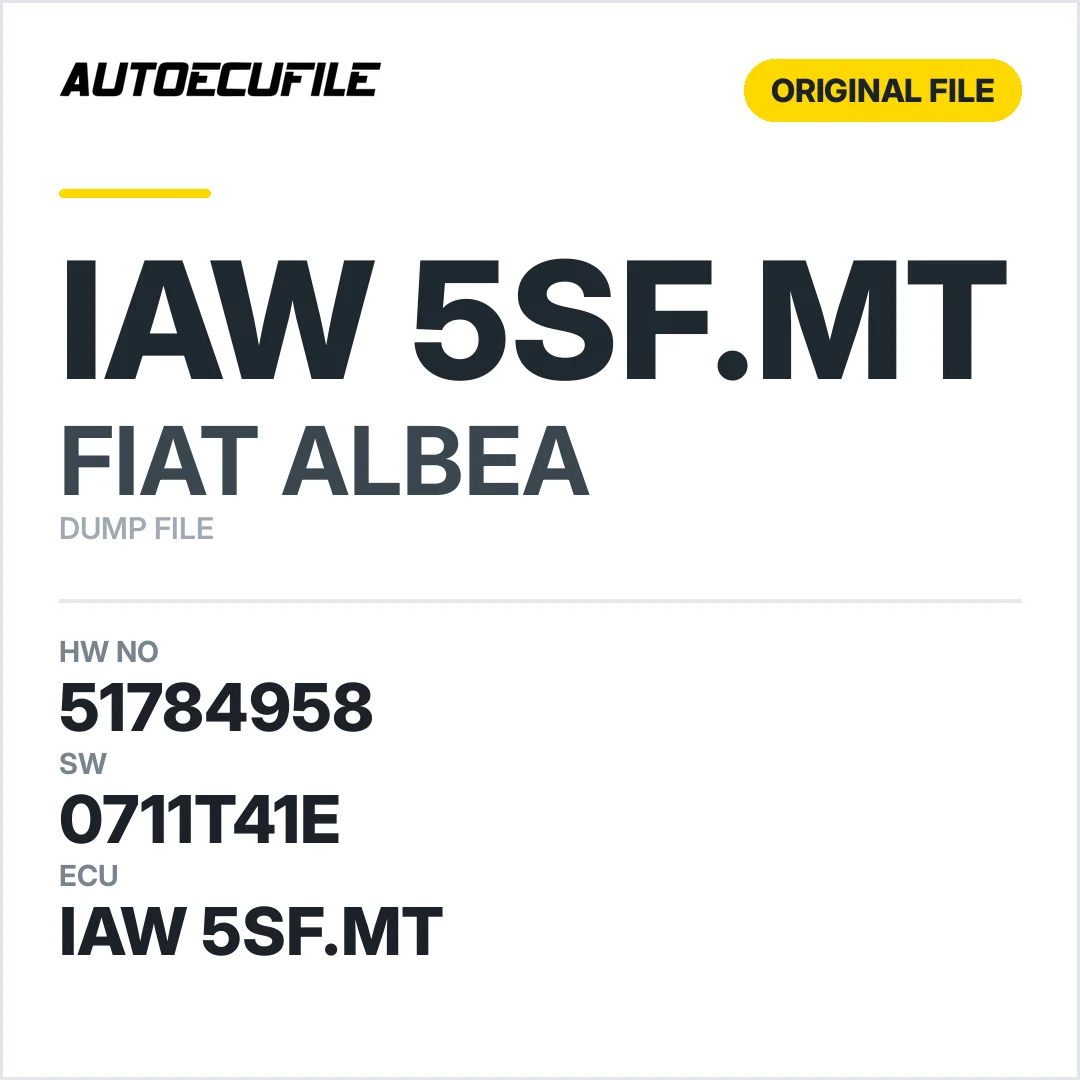
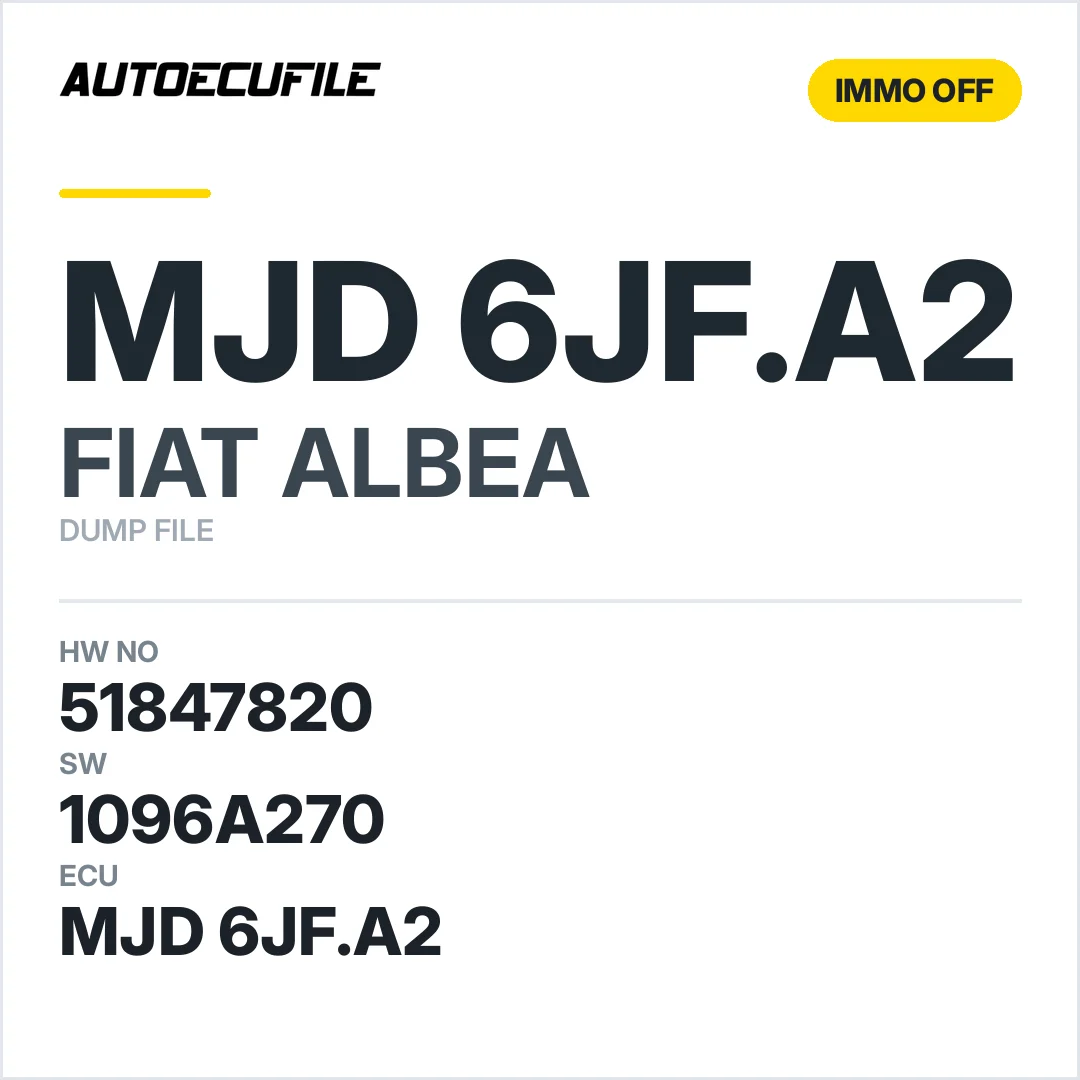
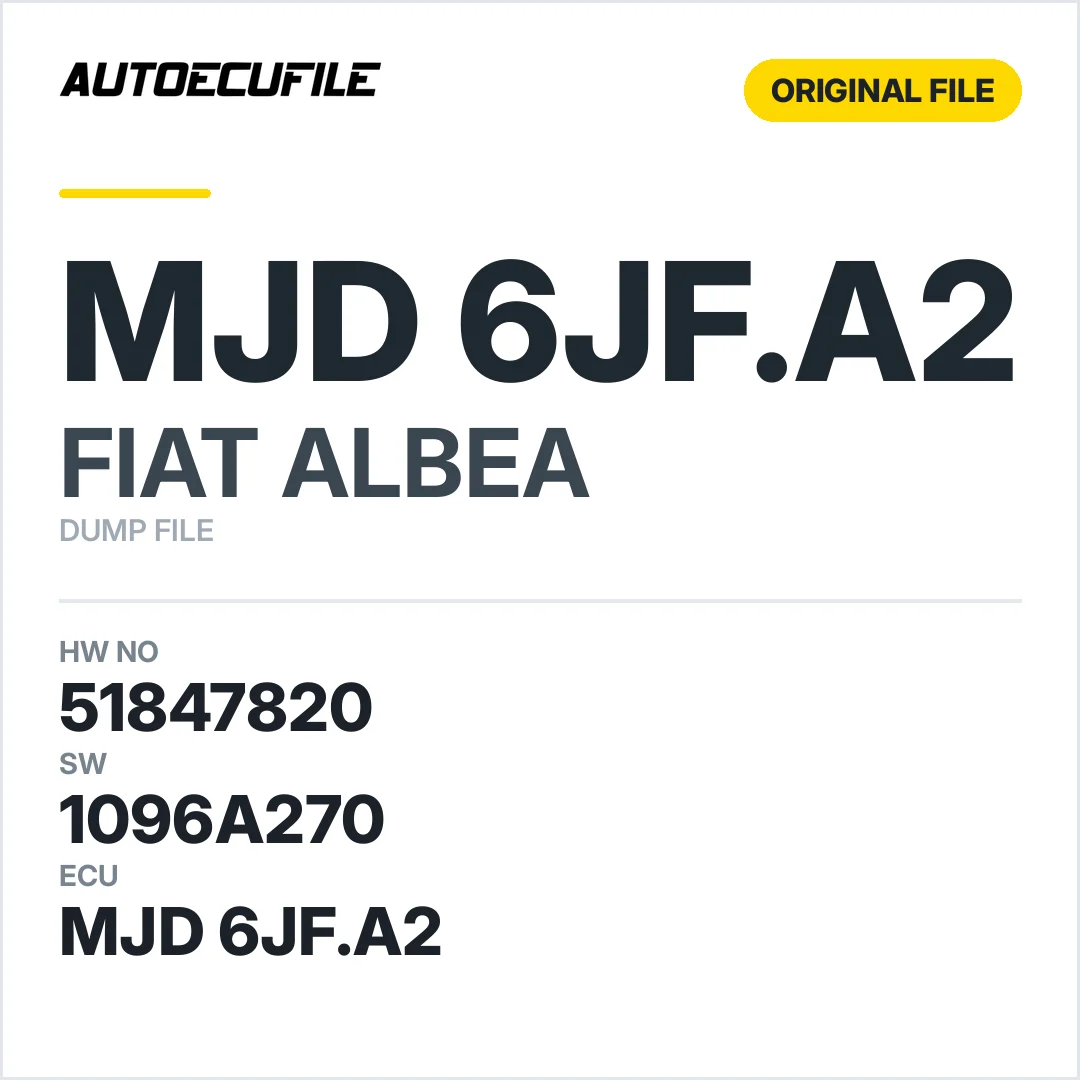
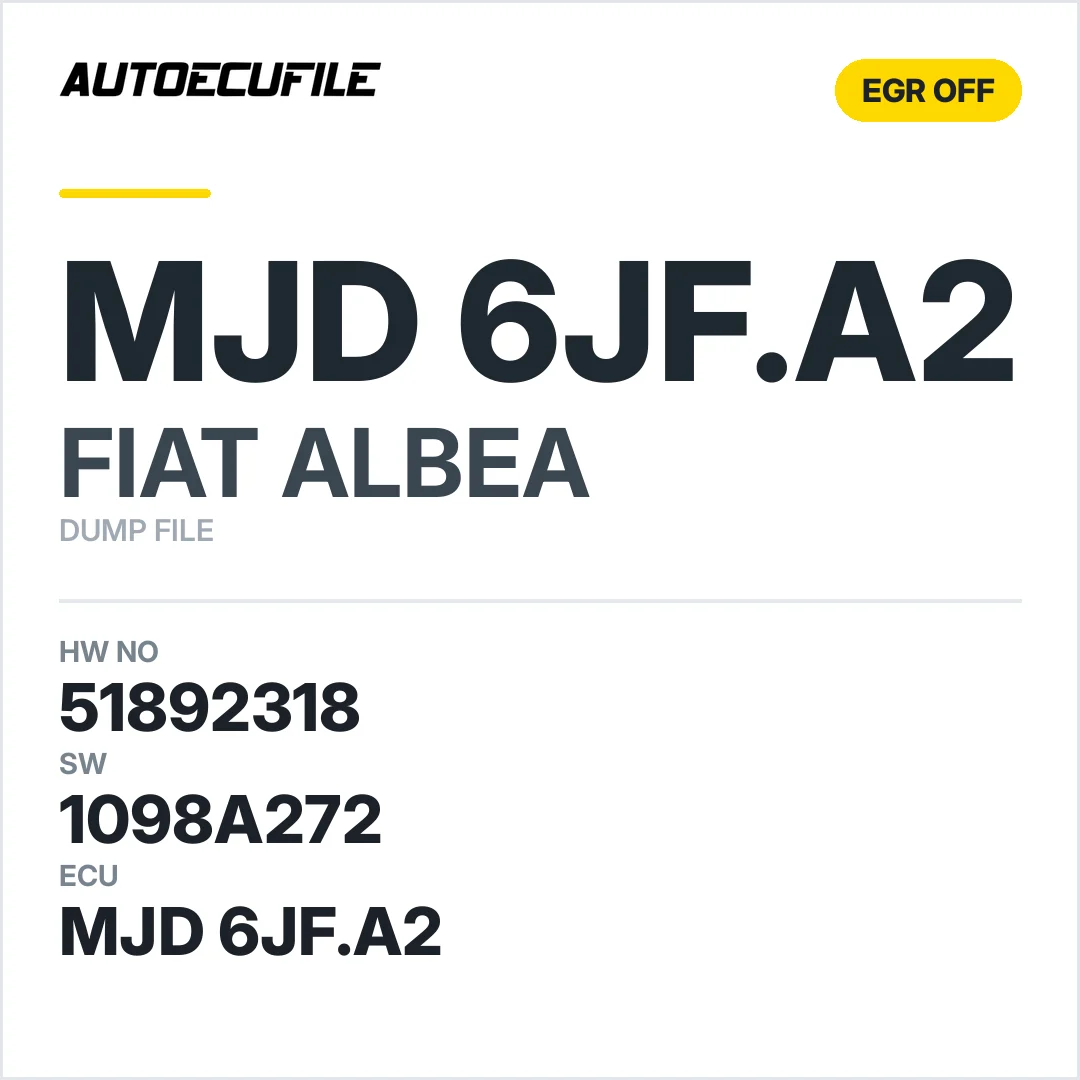
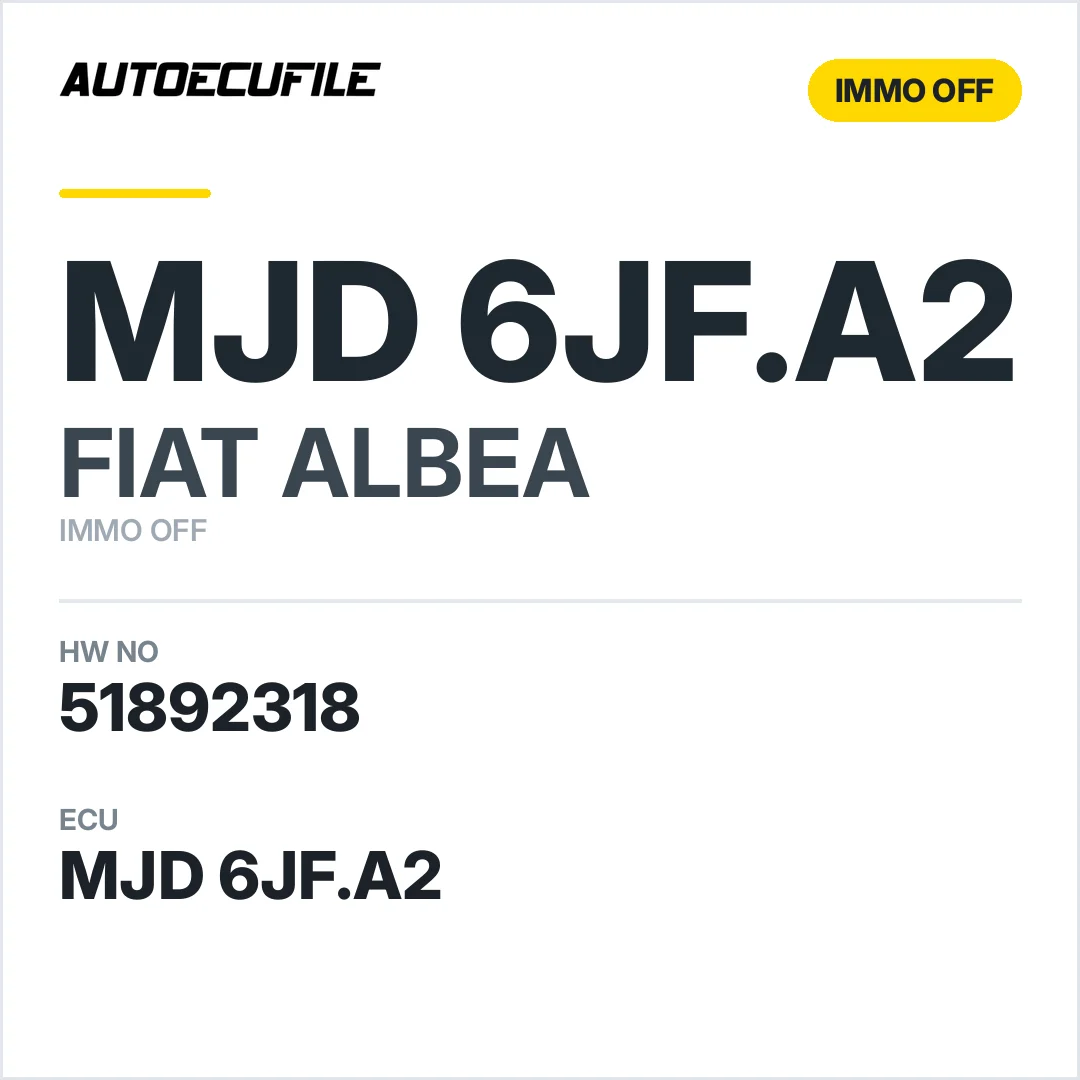
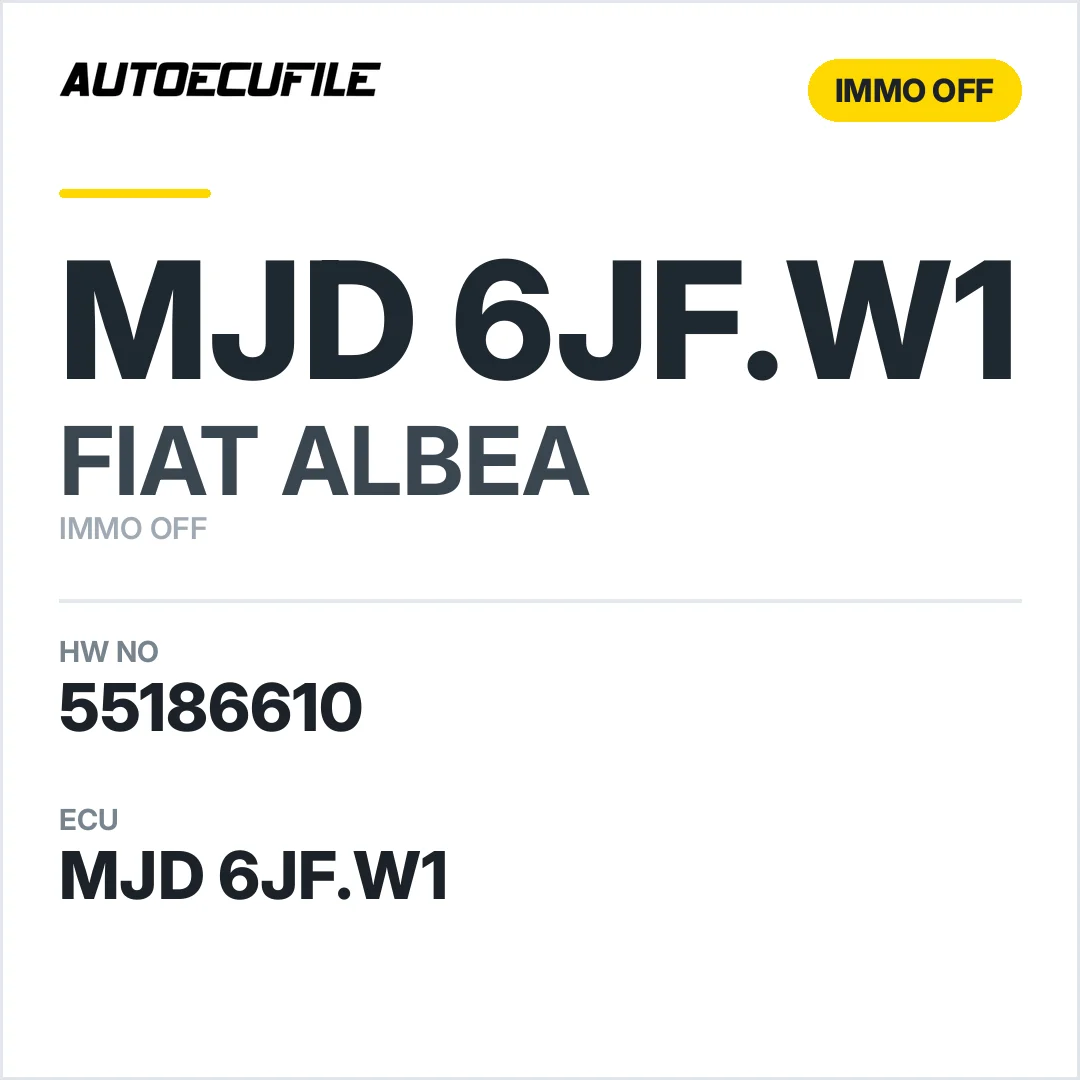
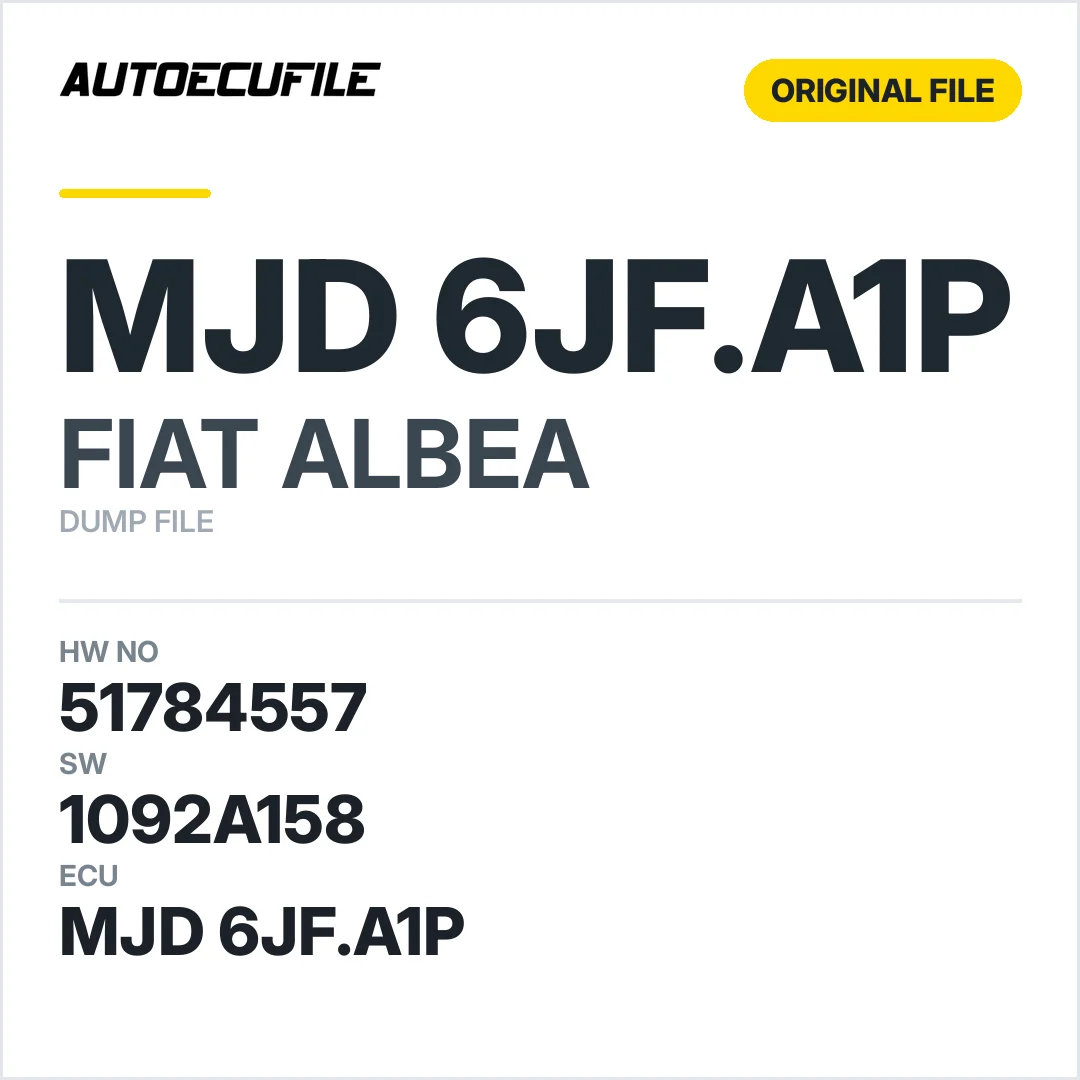
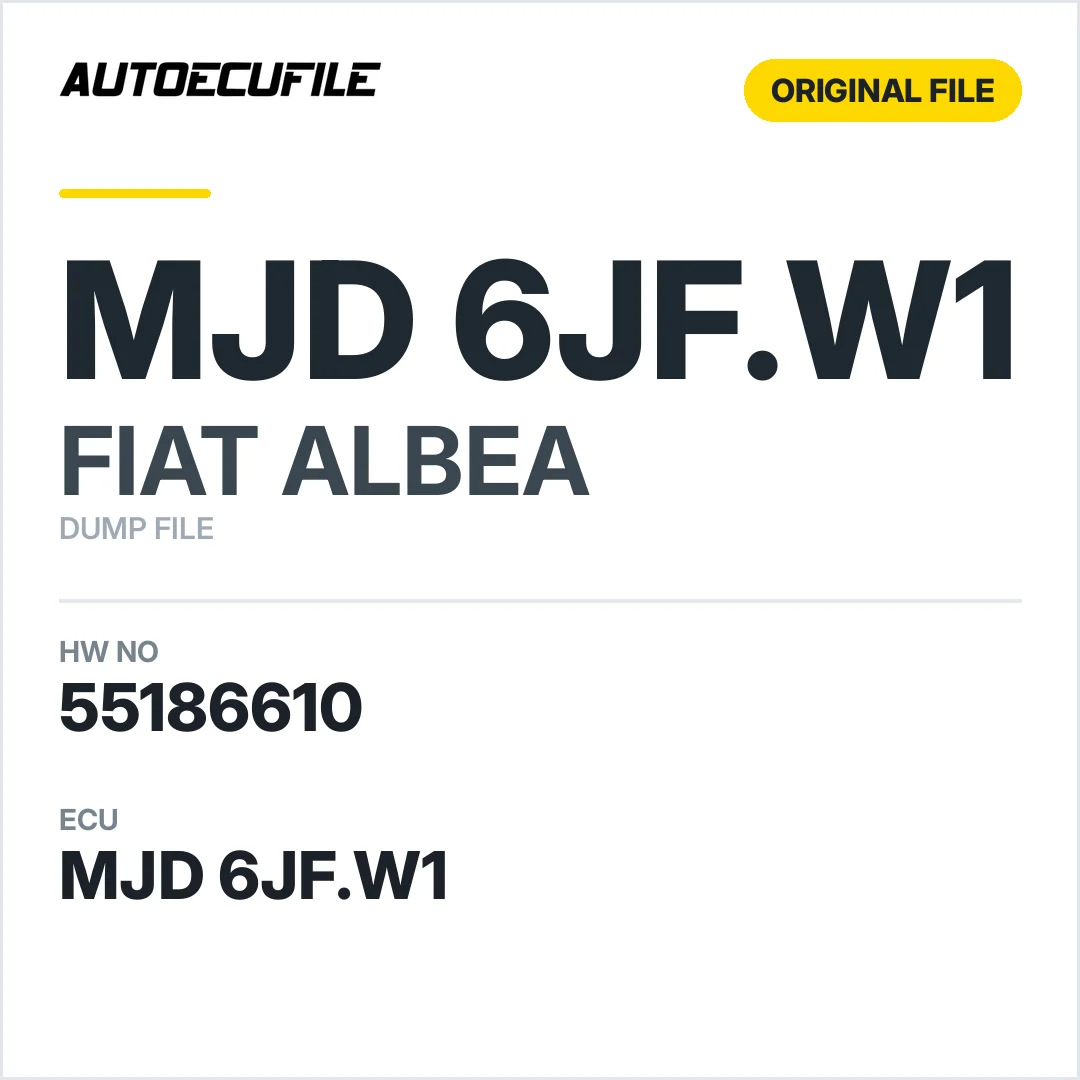
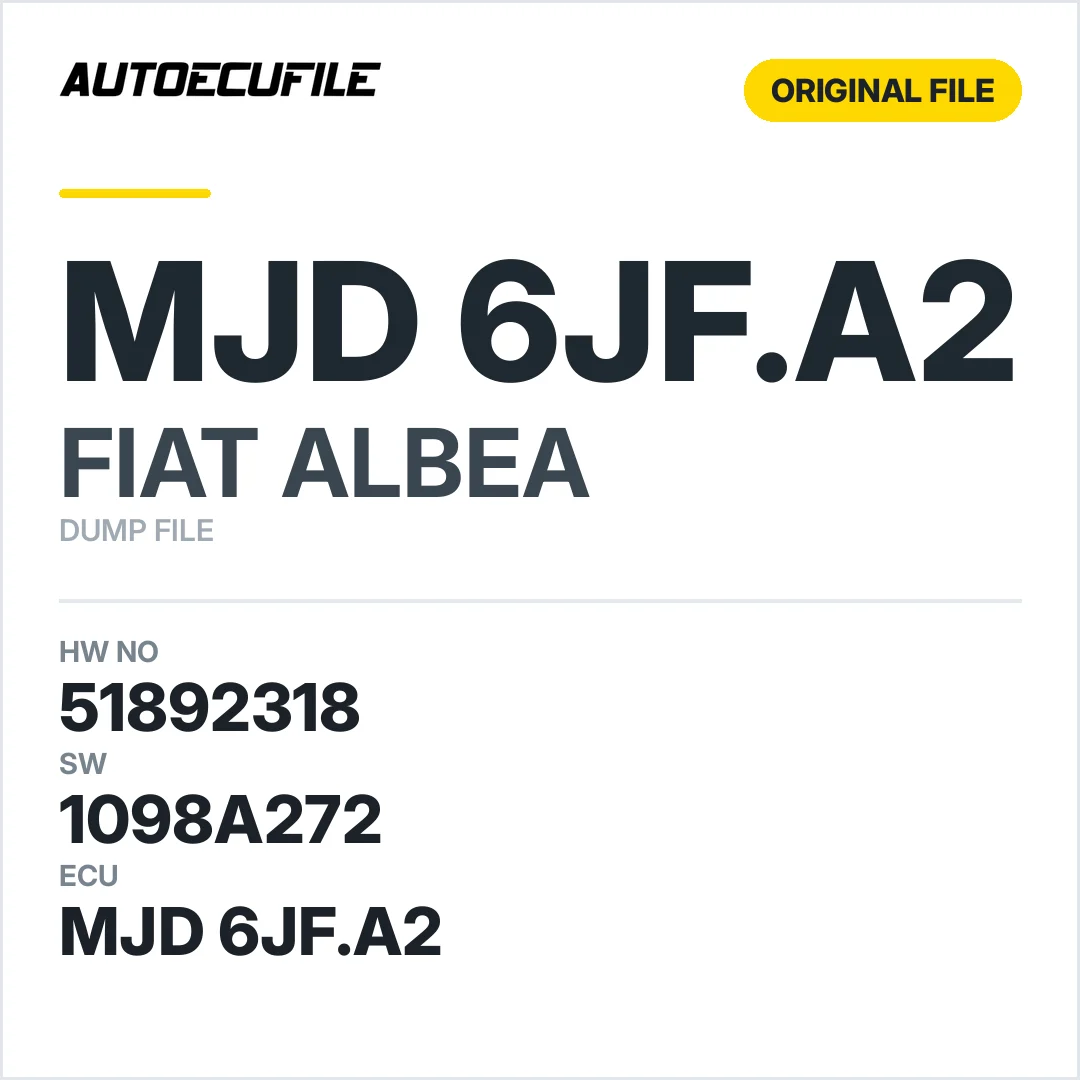
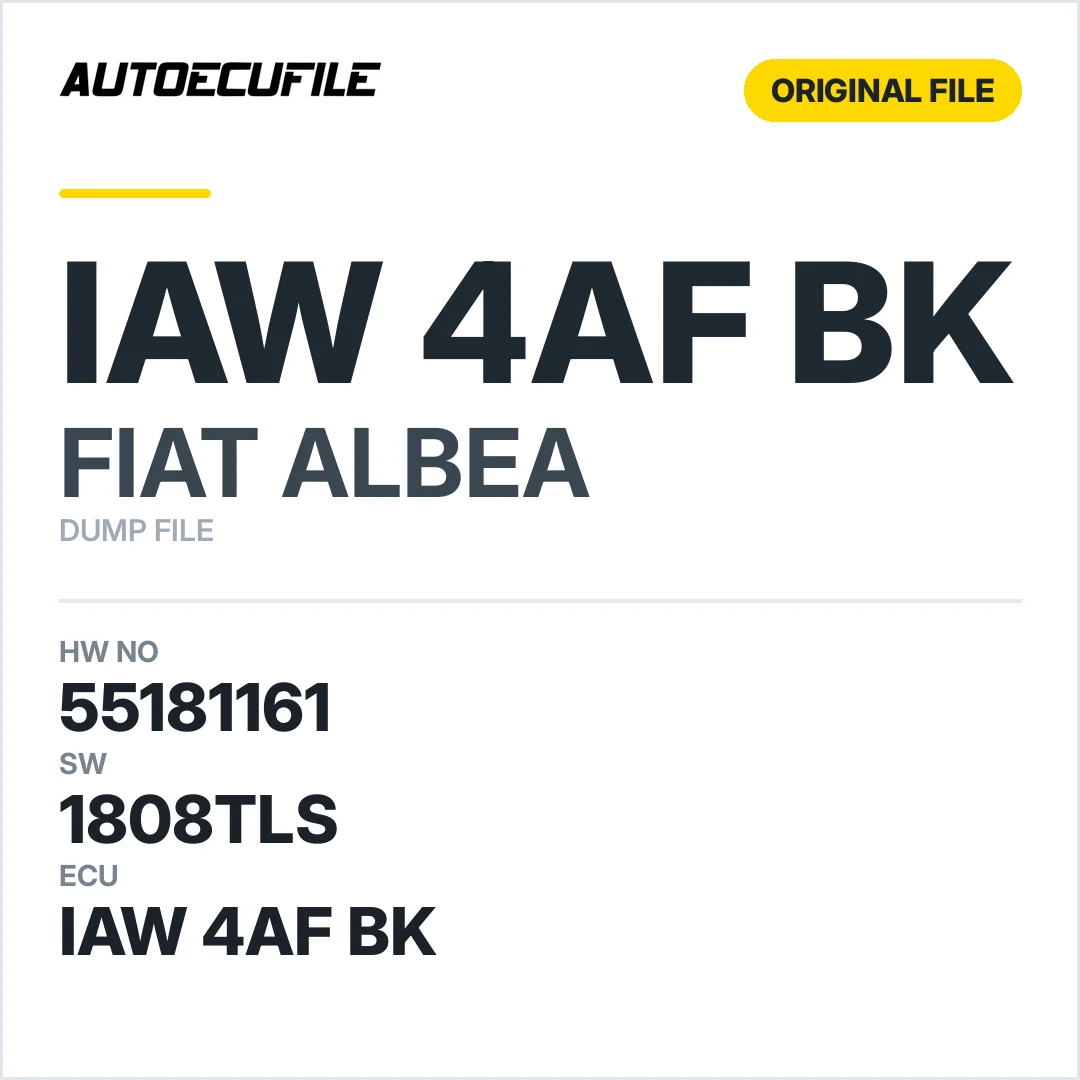
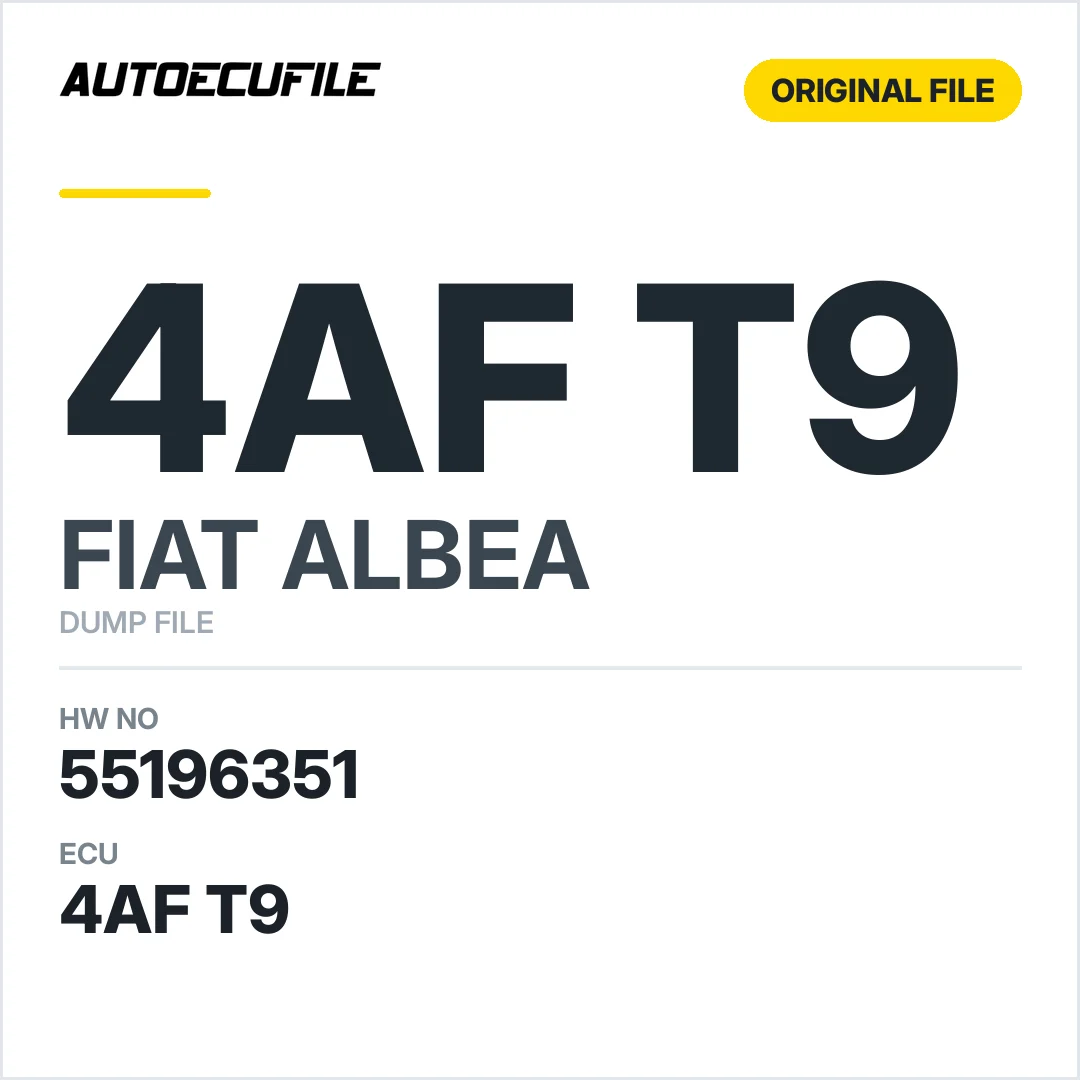
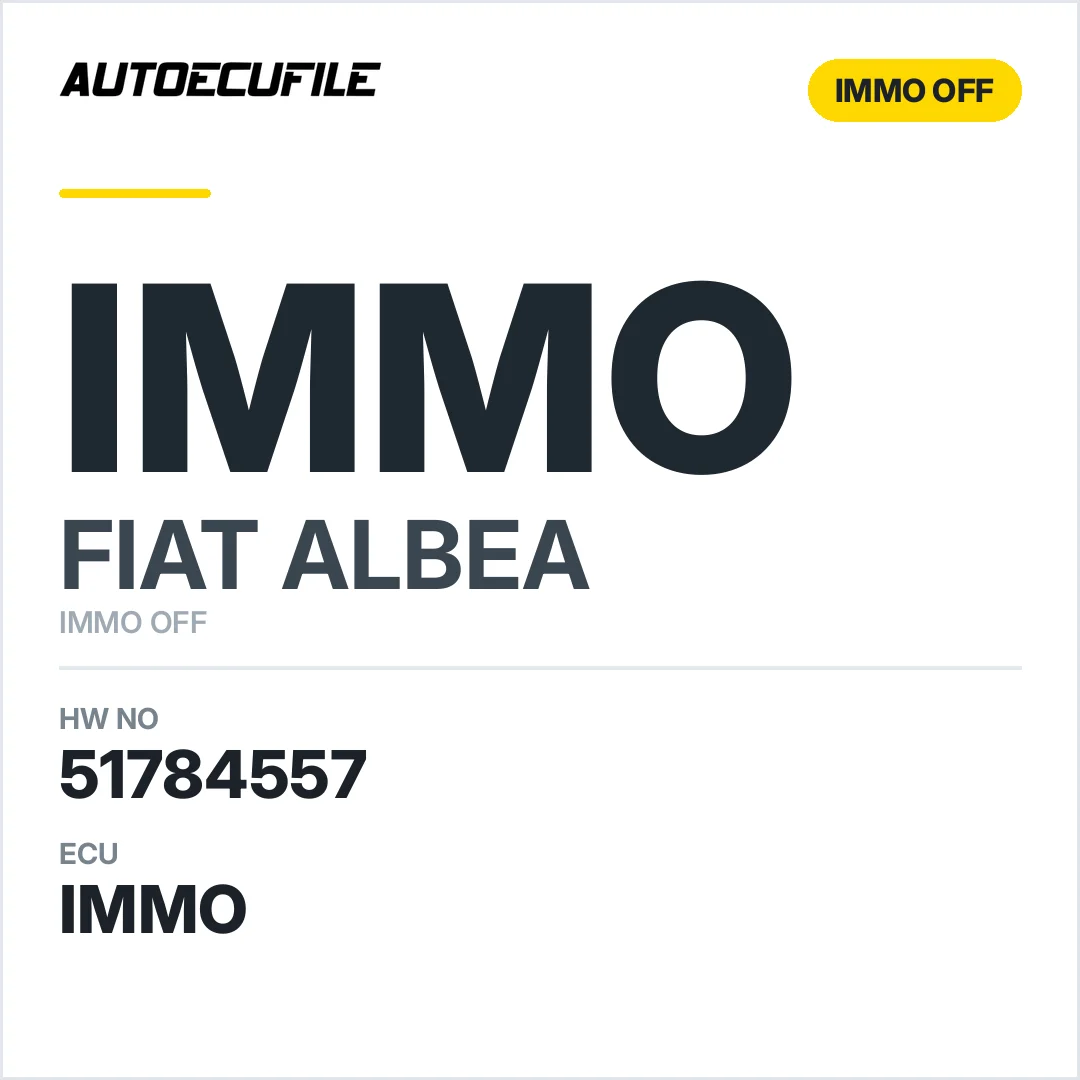
This page lists 16 ALBEA files that are ready to download. Every file is read from a real unit and is listed by the hardware and software number printed on the ECU label, so you can match your module before you buy. The biggest groups are Original File, Immo Off, Immobilizer and Dashboard. Control units used on the ALBEA: MJD 6JF.A2, MJD 6JF.W1, IAW 4AF BK and IAW 5SF.MP. Between them they cover 6 software numbers and 10 hardware numbers. To find the right file, read the hardware and software number from the label and type it into the search box, or use the filters by model and ECU type. Files are supplied exactly as read with IO Terminal, Flex and Kess V2. If your version is not listed yet, send us the numbers — most requests are sourced the same working day.
Quick navigation
Browse by ECU type
Browse by file type
Frequently asked questions
How do I find the right ALBEA ECU file?
Read the hardware and software number from the label on your ALBEA unit and type it into the search box, or filter by model and ECU type. Every file is listed by those exact numbers, so you can match your module before you buy.
Are these original ALBEA files?
Yes. Every file is read from a real unit; original dumps, immo off, virgin and tuning versions are available where applicable.
Which tools do I need to write these files?
The files are supplied exactly as read and work with common tools such as FLEX, NEW TRASDATA and VVDI PROG, depending on the ECU.
What if my ALBEA file is not listed?
Send us the hardware and software number from the label. Most requests are sourced the same working day.
How do I get the file after payment?
Downloads unlock the moment your payment clears — straight from your account, no waiting.